What it does
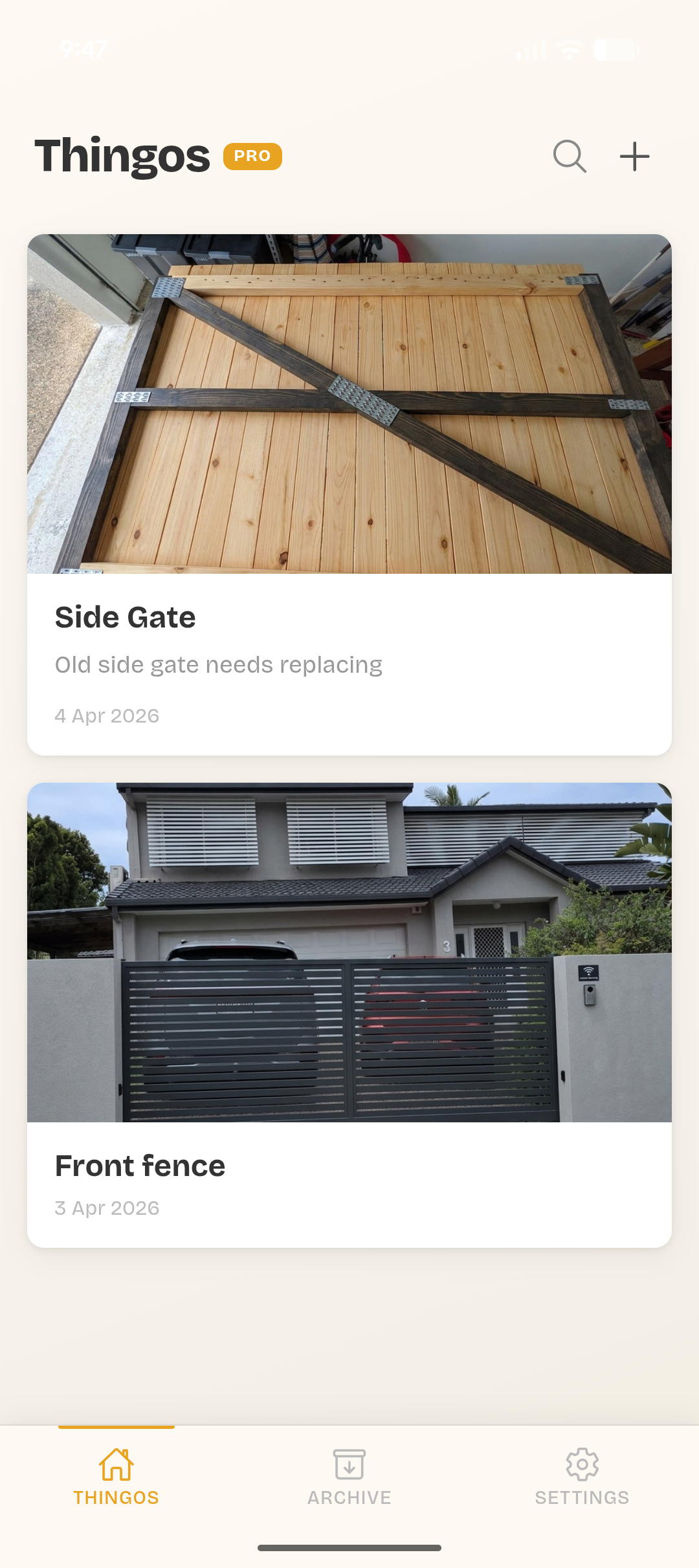
Photos, notes, and progress all in one place. No more lost receipts or forgotten measurements.
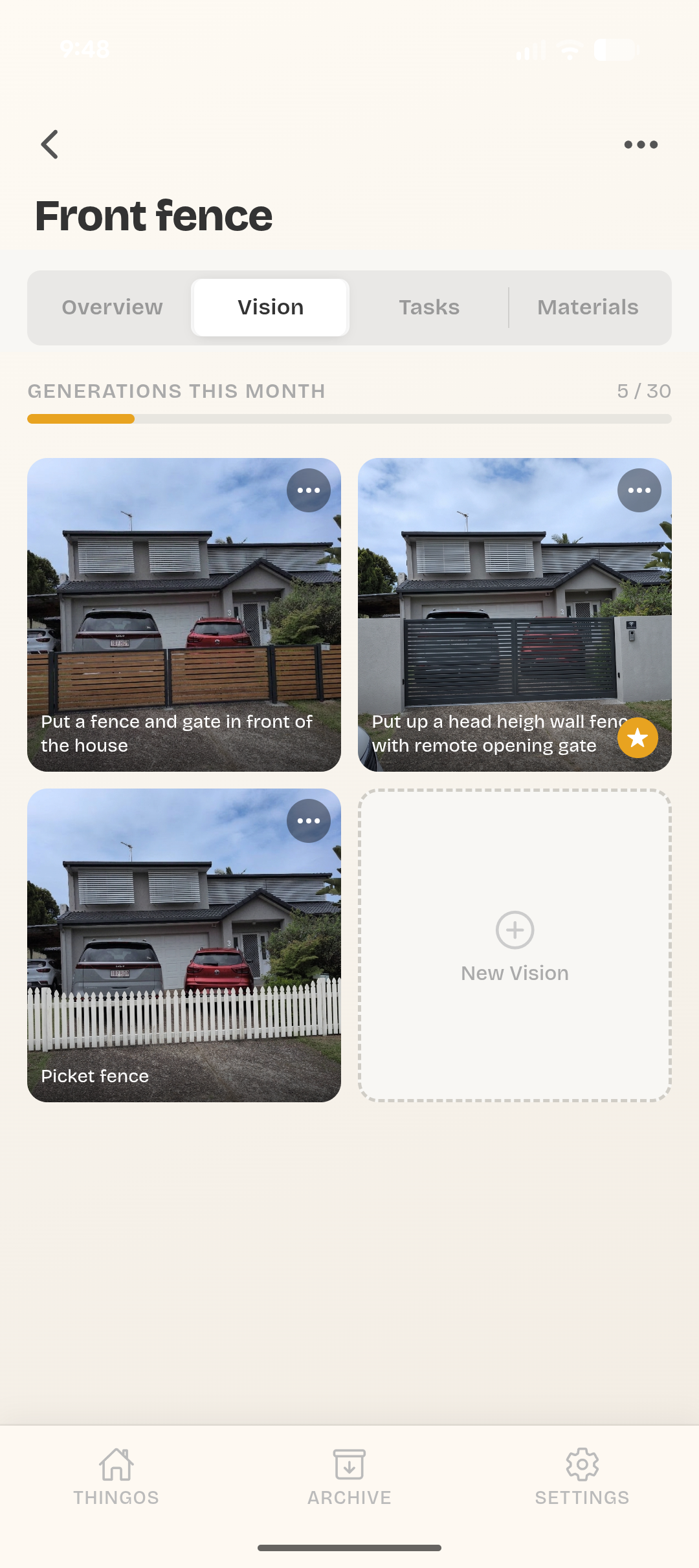
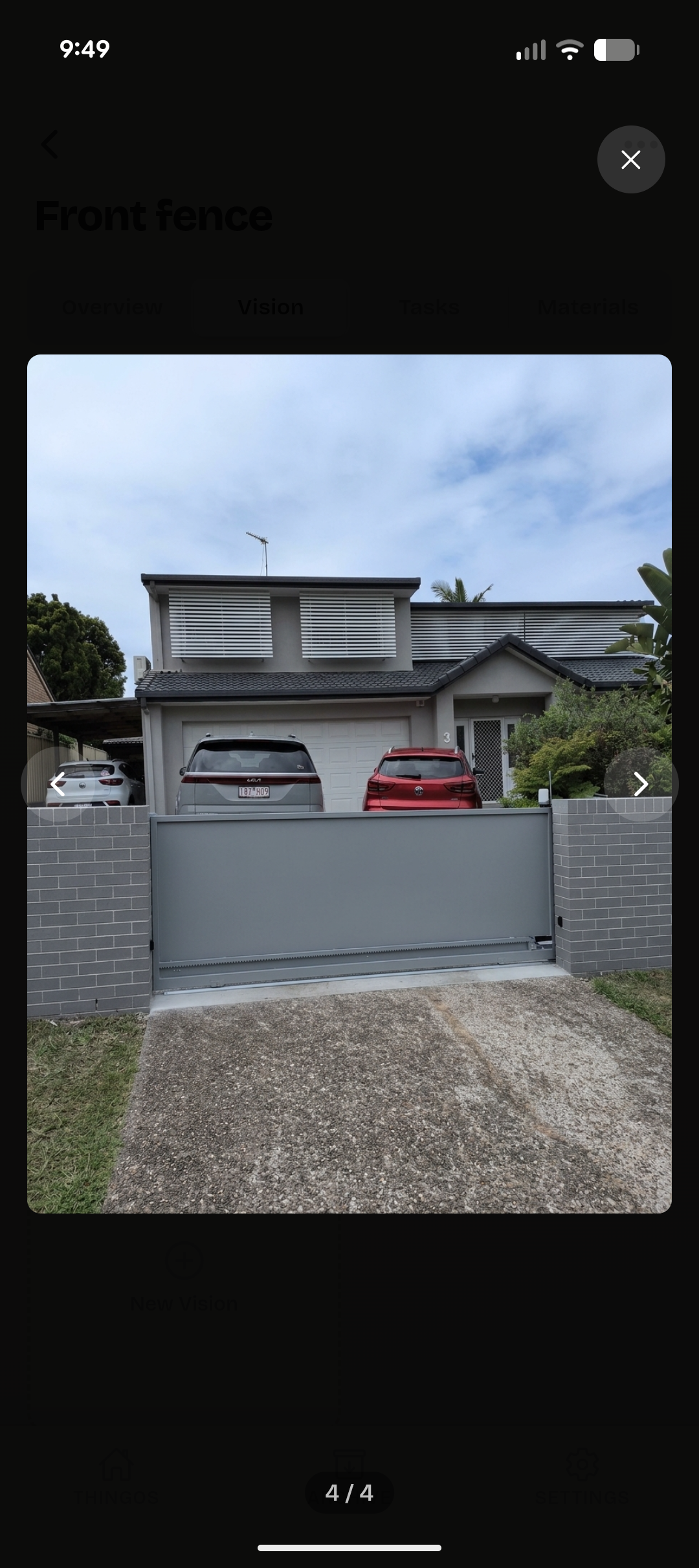
Generate a photo-realistic image of your finished build before you pick up a single tool.
List what you need and track what you've spent. Know your budget before the hardware store does.
Break the build into steps and tick them off. There's nothing better than a finished checklist.
How it works
Name your project and add a photo. Could be a deck, a shed, a kitchen reno — whatever you're building.
Add tasks, tools, and materials. Break it down so you know exactly what needs to happen and in what order.
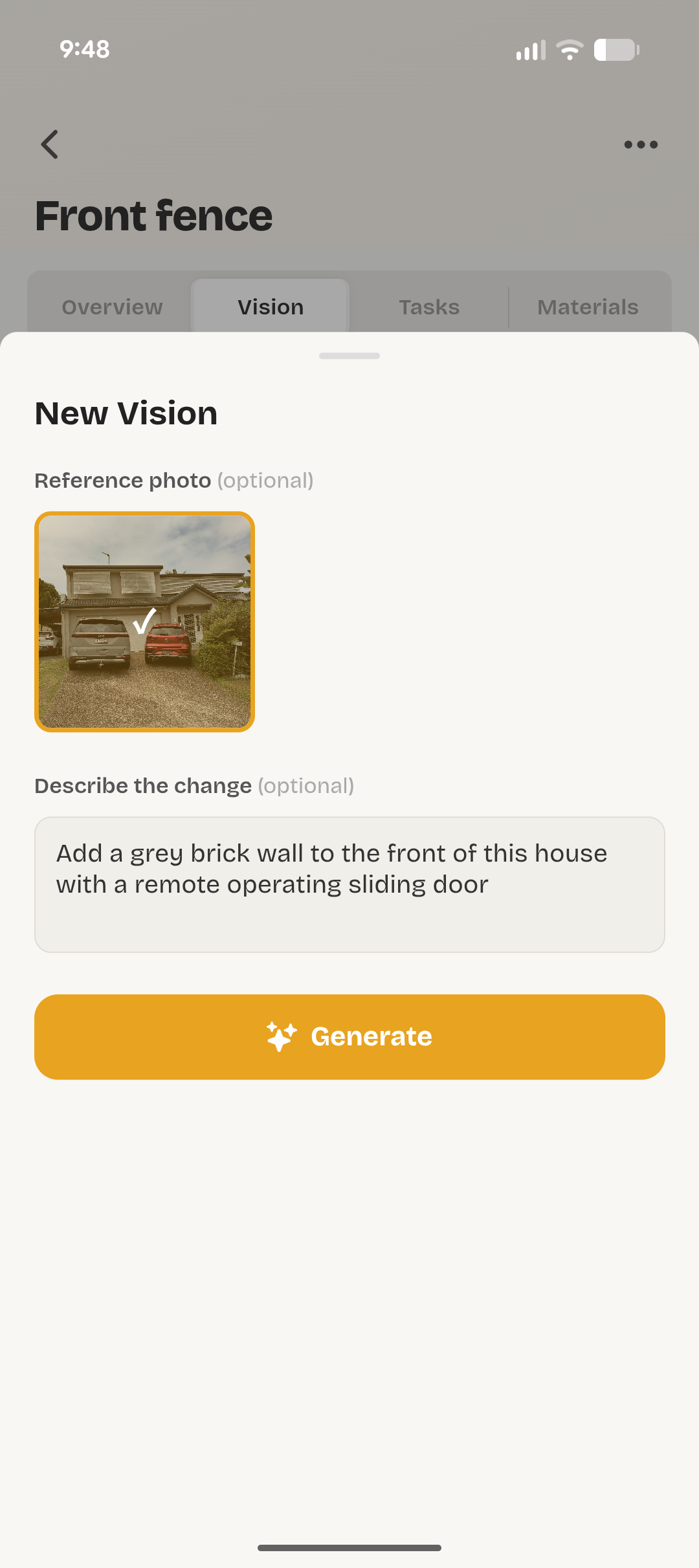
See what the finished build could look like. Type a prompt, get a realistic image. Good for motivation.
Privacy
All your data lives on your phone. We don't collect it, sell it, or store it anywhere. The only data that leaves your device is the prompt you type when generating AI images, which is sent to Google Gemini.
Privacy Policy
Thingo stores all project data locally on your device. We don't collect, transmit, or access your data.
Project names, descriptions, photos, journal entries, tasks, and materials are stored locally using your device's storage. This data stays on your device unless you export or delete it.
When you use the Vision feature, your prompt text and any selected reference photo are sent to Google's Gemini API to generate images. By using this feature you agree to Google's Privacy Policy and Gemini API Terms of Service. Don't include sensitive personal information in prompts.
Thingo requests camera and photo library access only to let you add project photos. Photos are stored locally and never uploaded to any server.
Thingo requires no account. We collect no personal information. There are no analytics, crash reporting, or advertising SDKs.
Uninstalling the app removes all locally stored data. Individual projects can be deleted from within the app.
Thingo is not directed at children under 13.
hello@zerocyber.org
April 2026