What it does
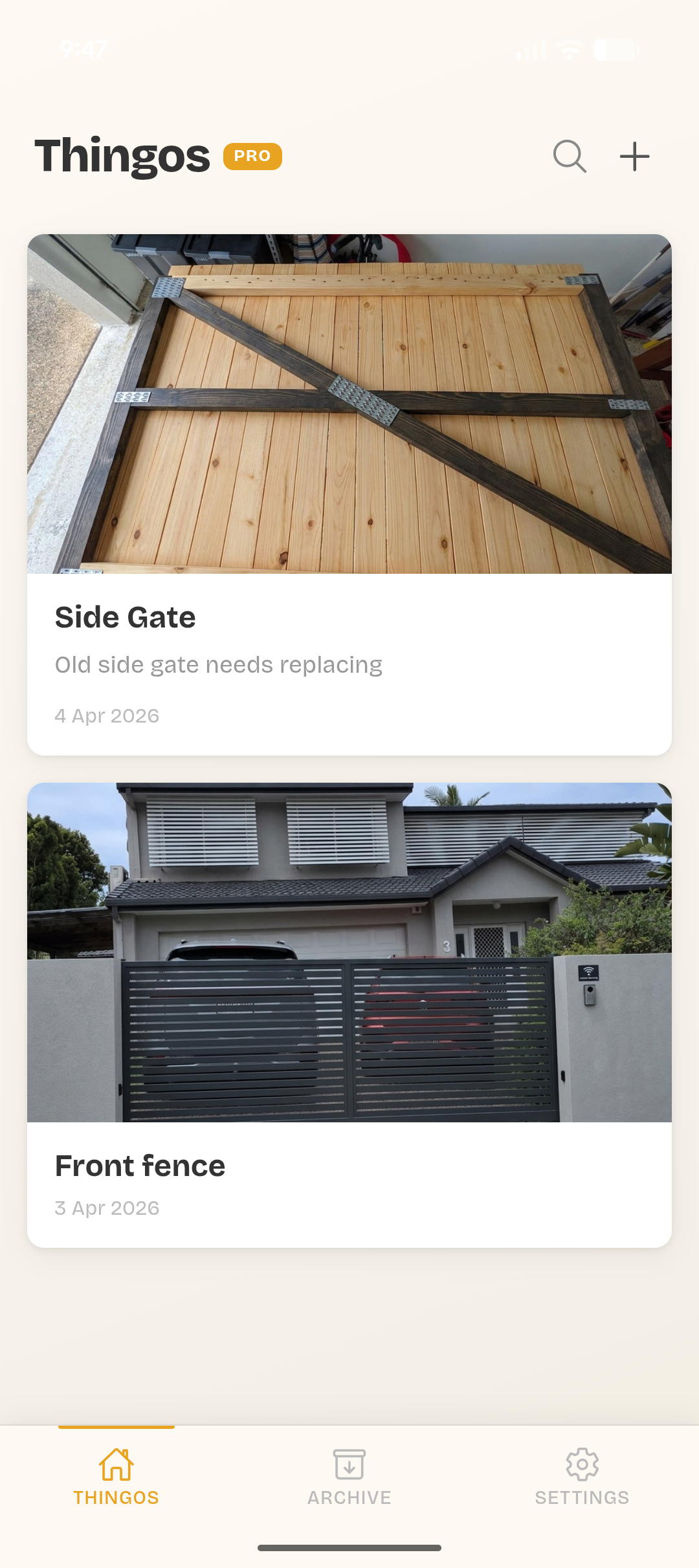
Photos, notes, and progress all in one place. No more lost receipts or forgotten measurements.
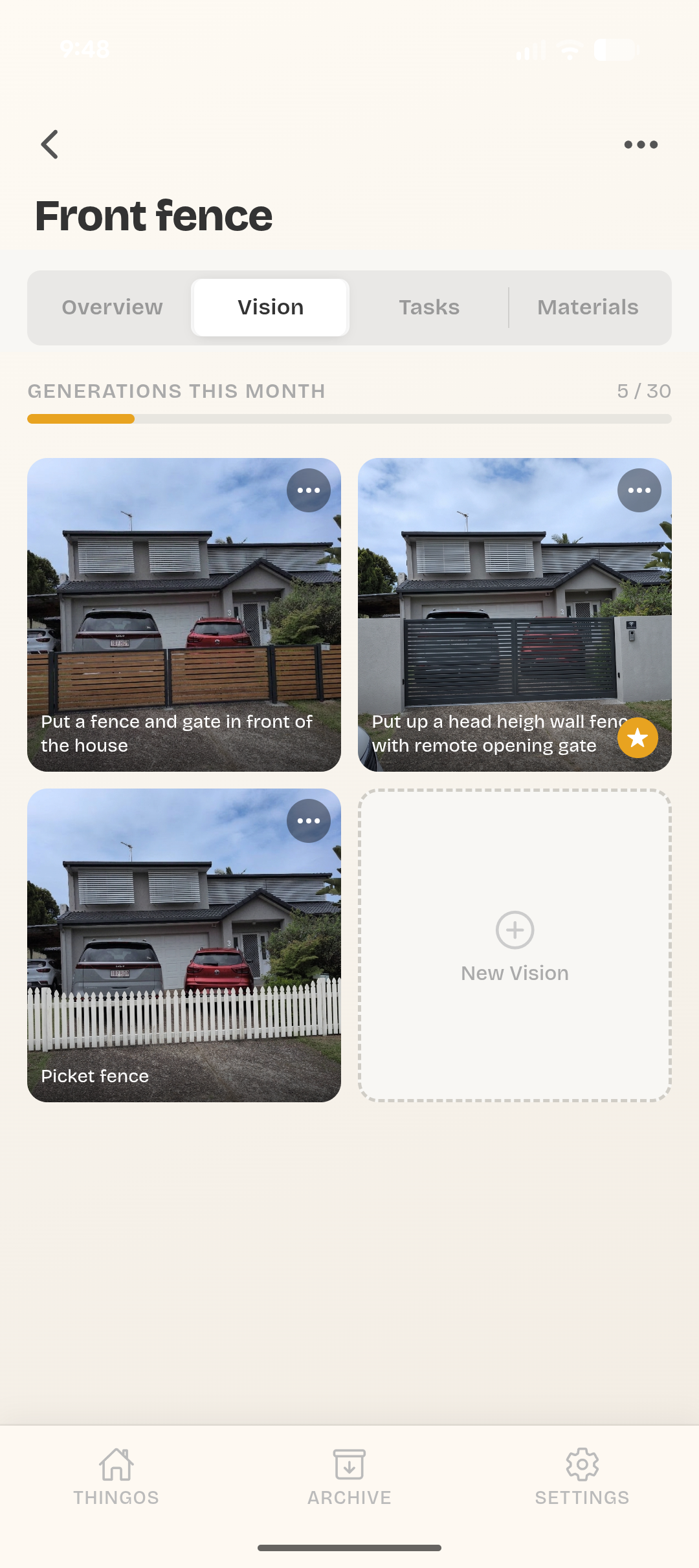
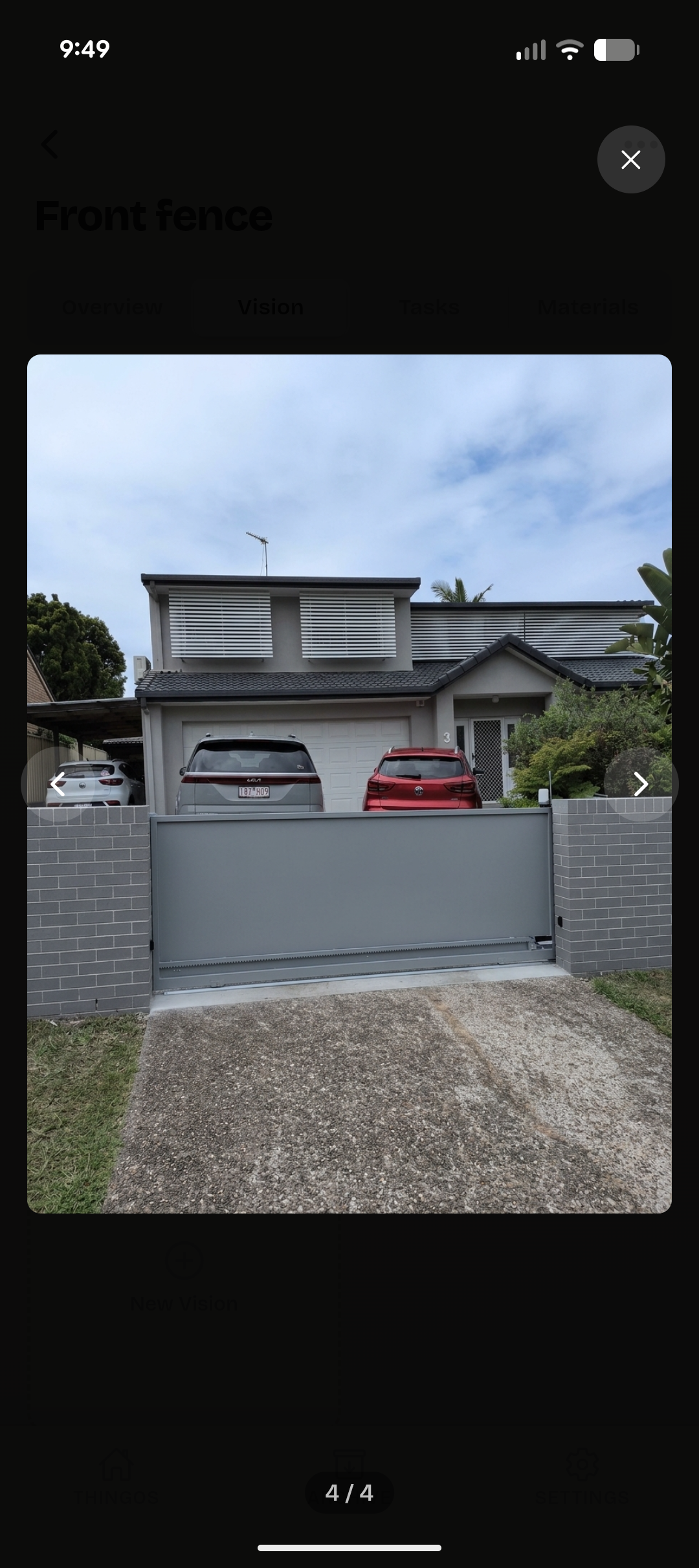
Generate a photo-realistic image of your finished build before you pick up a single tool.
List what you need and track what you've spent. Know your budget before the hardware store does.
Break the build into steps and tick them off. There's nothing better than a finished checklist.
How it works
Name your project and add a photo. Could be a deck, a shed, a kitchen reno, whatever you're building.
Add tasks, tools, and materials. Break it down so you know exactly what needs to happen and in what order.
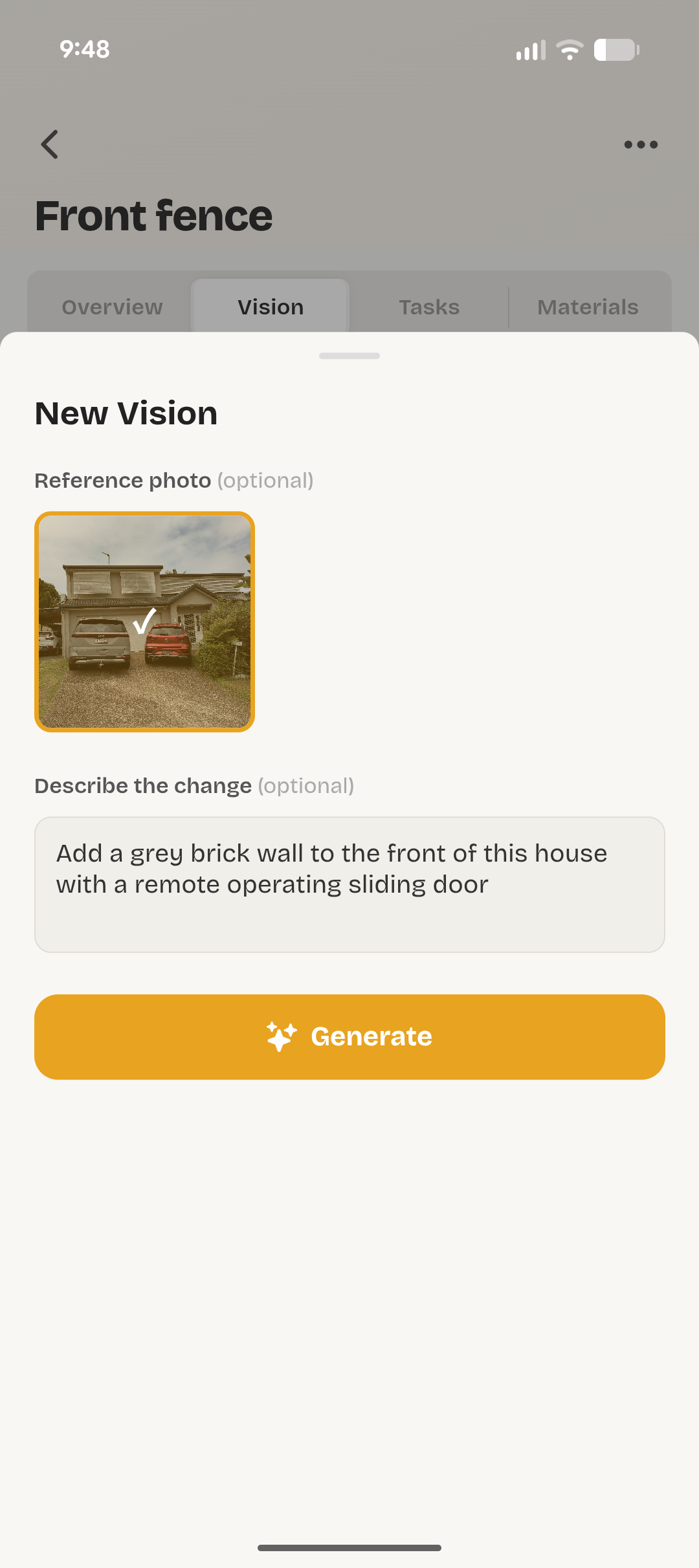
See what the finished build could look like. Type a prompt, get a realistic image. Good for motivation.
Privacy
All your data lives on your phone. We don't collect it, sell it, or store it anywhere. The only data that leaves your device is the prompt you type when generating AI images, which is sent to Google Gemini.